

About GIVE ME A GREEN CARD!
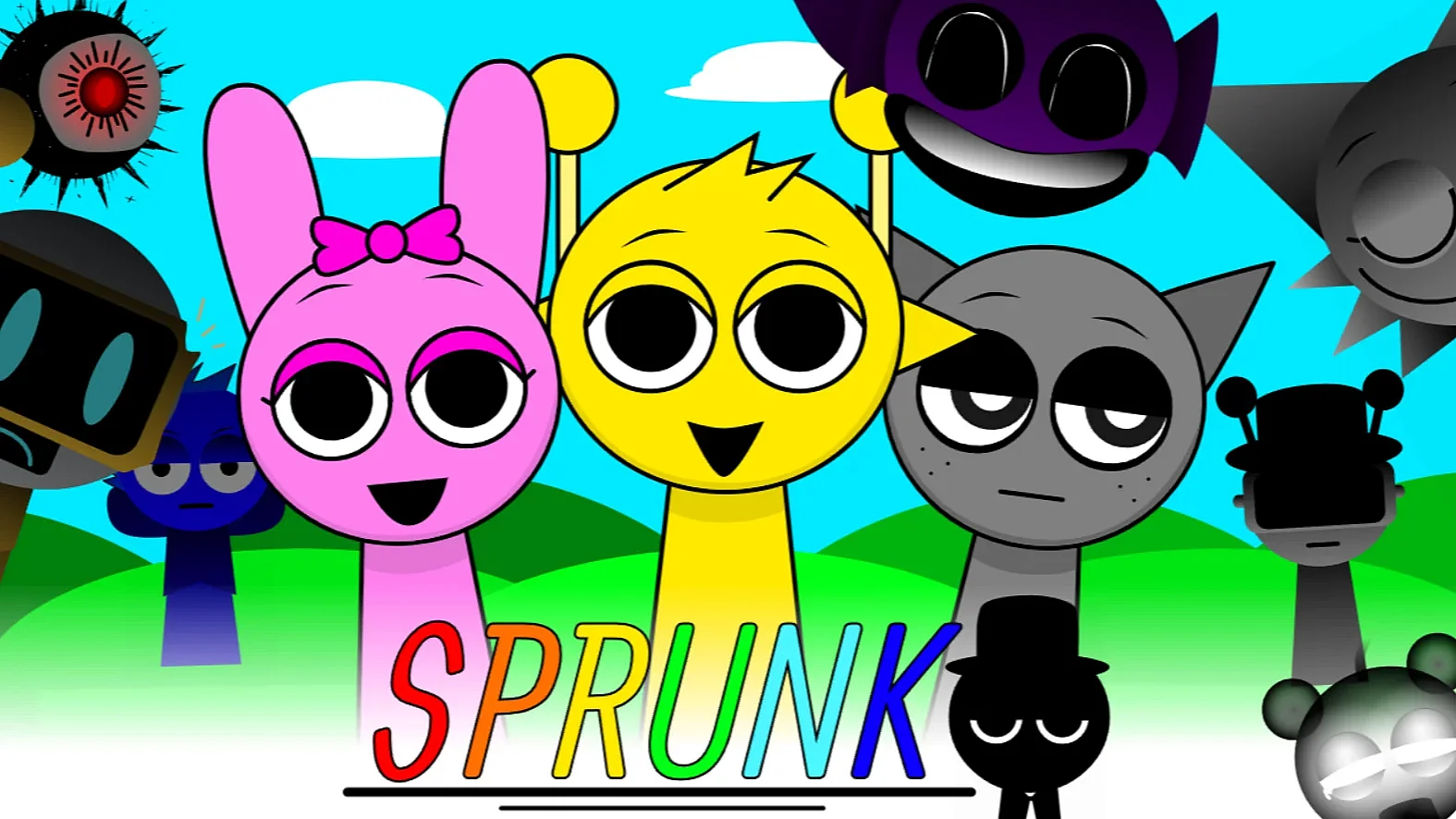
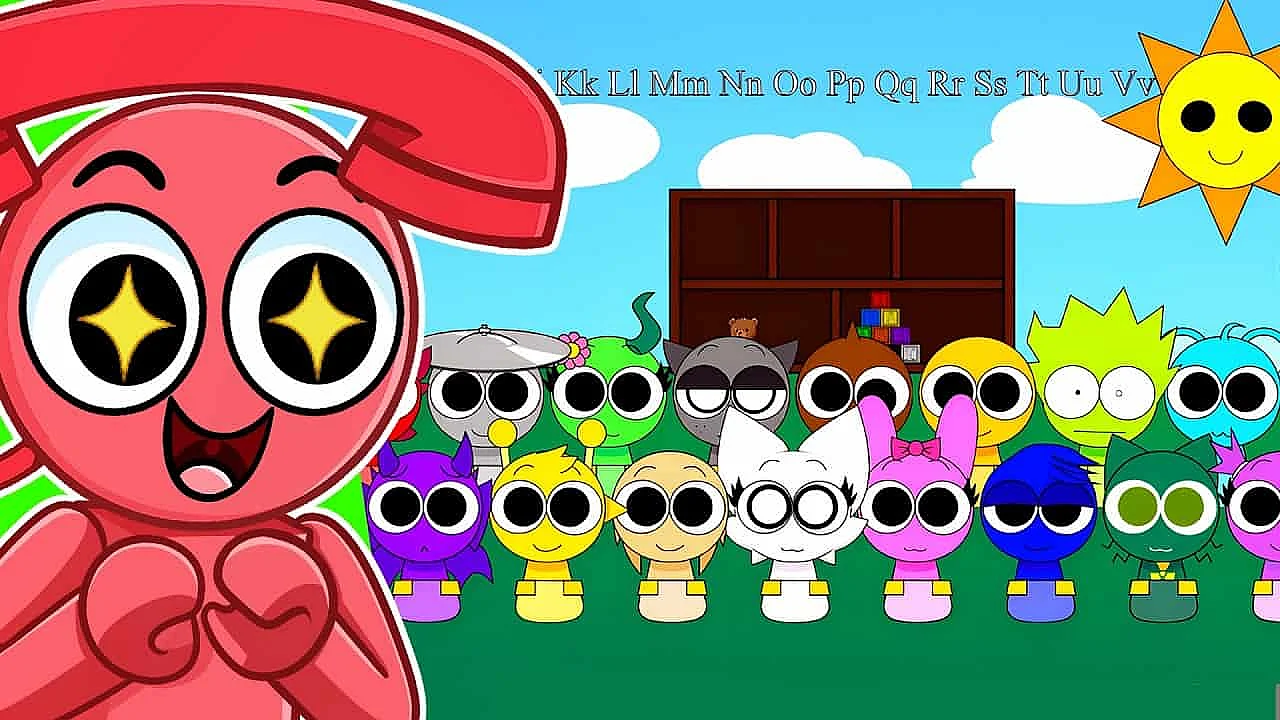
GIVE ME A GREEN CARD is a browser music game where you build songs by dropping green-themed characters onto the stage. I tried it expecting a quick novelty, and it turned into one of those beat maker games where you keep tweaking one more sound just to hear what happens.
Key Features
- All-original sounds instead of reused remix hooks
- Green-themed characters for beats, melodies, and effects
- Fast drag-and-drop controls that click instantly
- Hidden combinations trigger bonus visuals and audio
- Browser play on desktop, tablet, and phone
How to play
You play by dragging characters onto the stage and stacking their sounds until the track feels right. You can pull anyone out, swap the order, and rebuild the whole mix in seconds, so it feels closer to jamming than following strict rules.
There is no fail state hanging over you, which is a huge part of the appeal. If a melody clashes or an effect is too busy, just yank it out and keep going until the loop settles into something you actually want to replay.
The easiest way to start is with a beat character, then add a melody, then season it with smaller effects. Because every performer has a clear role, you can hear right away when the groove gets fuller, softer, or a little weird in the best way.
The animations help more than I expected. When the cast bops and moves in sync, you get a quick read on which layer is doing the heavy lifting, and that makes experimenting less random than it sounds.
Keep testing unusual combinations too, because GIVE ME A GREEN CARD likes to reward curiosity. Some lineups kick off secret visual moments and extra audio touches, and finding those surprises is half the reason to keep mixing.
What makes it stand out
What makes it stand out is simple: the sound bank is original, and the green theme is not just paint on top. A lot of fan-made music games lean on familiar songs or obvious references, but this one asks you to build something from scratch.
That changes the mood completely. Instead of chasing a track you already know, you are listening for combinations that feel earthy, bright, twitchy, or calm, and the game gives you enough variety to make those moods without burying you in options.
I also like how committed the visuals are. The whole roster feels like a tiny eco-pop band, and when the stage fills up with matching shades of green and synchronized movement, the screen has a look that sticks in your head.
The hidden combo payoffs are nicely judged too. They are not giant cutscenes that stop the music cold; they feel more like the game giving you a quick nod for experimenting instead of playing it safe.
FAQ
Is it free?
Yes, GIVE ME A GREEN CARD is a browser game, so you can jump in without downloading anything. That makes it great for short sessions when you just want to mess with beats for a few minutes.
Can I play on mobile?
Usually yes. The drag-and-drop setup is simple enough for a phone or tablet, although I think desktop feels a bit better if you want to swap layers quickly and test lots of combinations.
How is it different from other drag-and-drop music games?
The biggest difference is that it is not riding on old remixes or a familiar soundtrack. GIVE ME A GREEN CARD pushes you to make your own thing, and the all-green art style gives it way more personality than the average beat sandbox.
If you like browser rhythm toys, music mixing games, or little fan projects with real character, this one is easy to recommend. GIVE ME A GREEN CARD is playful, odd, and genuinely satisfying to experiment with, so give it a try and see what kind of green anthem you end up making.
Comments (0)
No comments yet.