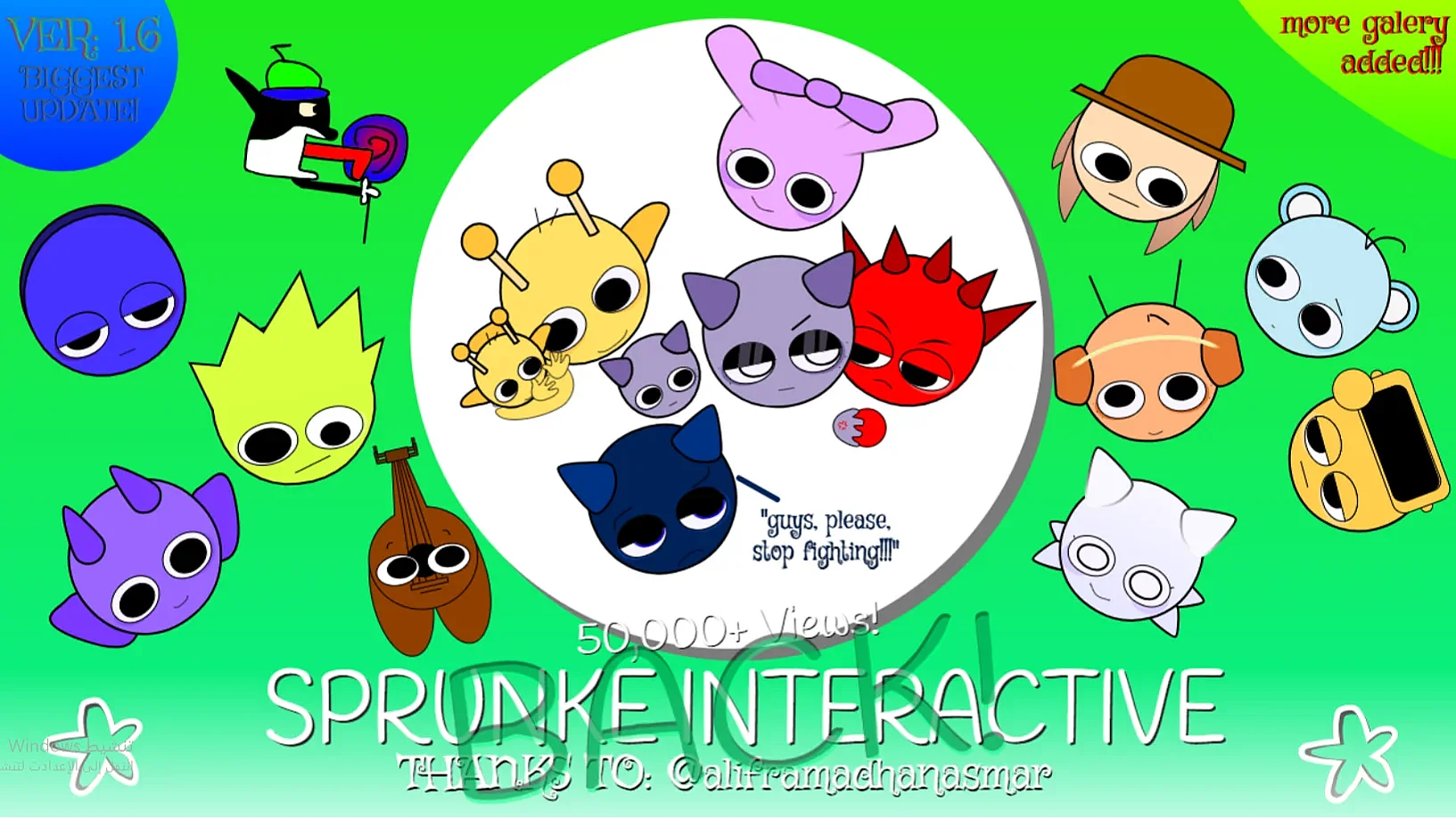

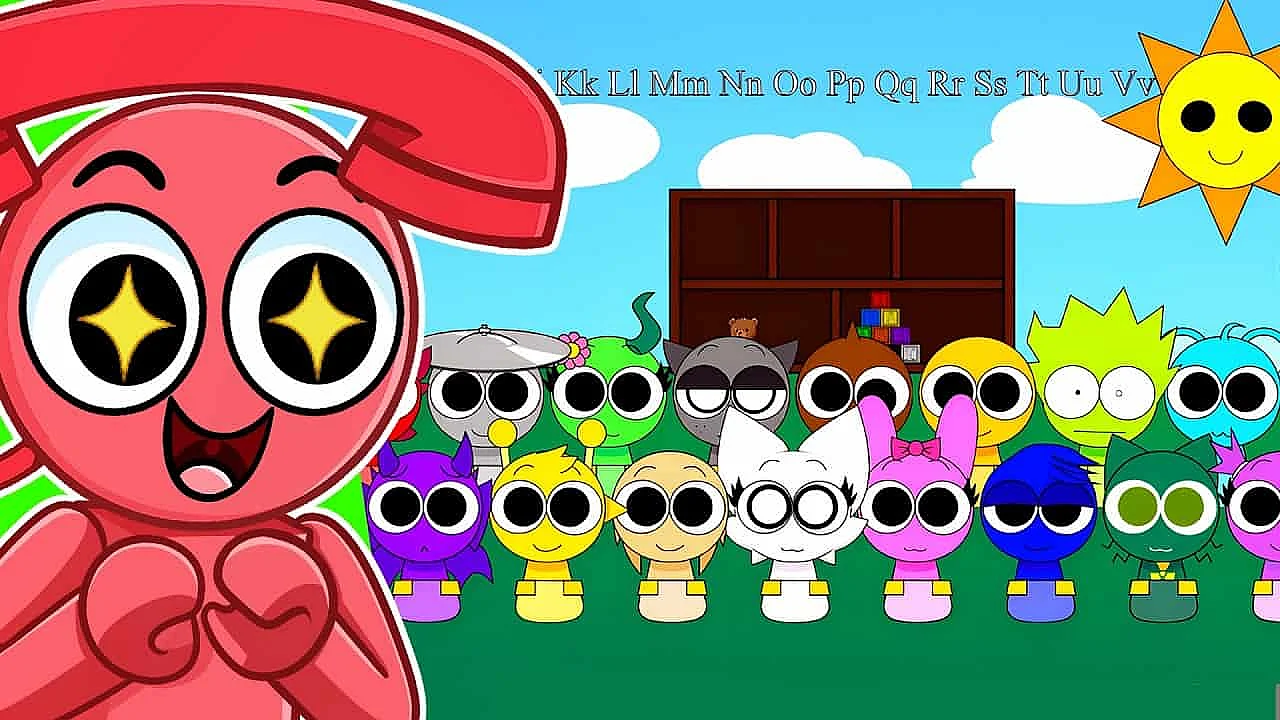
About SprunkE - Interactive 1.6!!! (50K+ VIEWS!!!) (back!)
Sprunke Interactive 1.6 is the kind of browser music game that grabs you the second you realize it is not just about dropping icons and letting a loop run. You are poking the mix in real time, making it swell, glitch, fade, and snap into new shapes. If you like music mods that feel hands-on and a little chaotic, this one is easy to get into.
Key Features
- Real-time fades, swaps, and crescendos
- Live effects like stutter, reverse, and delay
- Reactive characters and pulsing visual feedback
- Browser play on desktop, tablet, and mobile
- Record tracks and remix community uploads
How to play Sprunke Interactive 1.6
Start with a beat, melody, or vocal loop, then build your track by dragging sounds onto the active slots. The real trick is to keep interacting while it plays, using transitions and effects instead of treating the song like a finished preset.
My advice is to begin simple. Pick a base rhythm, add one melodic layer, then test how the track reacts when you hit a fade, swell, or loop swap instead of throwing every sound into the mix immediately.
That is where Sprunke Interactive 1.6 feels better than older drag-and-drop music mods. The layers are meant to be pushed around a little, so filter sweeps, echo, reverse hits, and glitchy stutters feel like part of the song rather than random noise pasted on top.
Pay attention to the visuals too. Characters and loop icons tend to pulse, bend, or change energy when a combo lands nicely, and that feedback actually helps you spot which sounds want to live together and which ones are starting to clutter the track.
Also, record early drafts. Because this is more of a live remix tool than a static music maker, a version you think is just a warm-up can end up being your favorite take once you listen back.
What makes it stand out
What makes this one stand out is simple: it treats the mix like something alive. Plenty of Sprunki-style mods let you stack loops, but this one wants you to steer momentum, shape transitions, and decide when the track should breathe, break, or suddenly go weird.
The other thing I like is how polished the 1.6 build feels. It still has fan-made weirdness in a good way, but the tools feel settled, so the interactive parts come across as intentional features instead of half-finished experiments.
There is also a small performance vibe to it that most descriptions skip. Because the avatars react to intensity and the interface pulses with your timing, you are reading the screen almost like a cue sheet, not just staring at a static soundboard waiting for loops to cycle.
I also like that the community side makes sense here. Recording and sharing matters more when your mix includes live fades, swaps, and effect bursts, because other players are not only hearing your sound choices, they are hearing your timing and your little performance habits too.
FAQ
Short version: yes, it is free, browser-based, and easy to start messing with fast. The main question is not how to access it, but how much control you want while the track is running.
Is it free?
Yes, and that helps a lot because this is the sort of beat mixing game you will want to open on impulse. No install, no setup headache, just click in and start testing loops, transitions, and effects until something cool happens.
Can I play on mobile?
Usually yes. Desktop gives you tighter drag-and-drop control if you are trying to be precise, but mobile and tablet play still work well for tapping effects, swapping layers, and sketching out a quick remix on the go.
How is this different from other Sprunki mods?
The big difference is interaction during the song, not just setup before the song. In Sprunke Interactive 1.6, transitions, layer morphs, and live effects are part of the fun, so you are performing the mix instead of only arranging it.
If you enjoy online music games, browser remix mods, or simple beat makers with more movement, Sprunke Interactive 1.6 is easy to recommend. It is especially good for players who want clear tools but still want room to mess around, so give it a spin and see what kind of strange little track you end up making.
Comments (0)
No comments yet.
Related Games
Sprunki Interactive 1.0
Interactive Simon
Sprunki Interactive Game
Sprunki Garden (Interactive)
Sprunki Interactief Maar Met Meer Sprunkis!
Abgerny But Polos
Abgerny But Ruined
Abgerny But Sprunki
Abgerny Gyatt Burger Mod
Abgerny Incredibox
Abgerny Sprunki
Banana Sprunkis

Cool As Ice Mod
Dandy's Sprunki
Derple Phase 2 Mod
FNF Sprunkin
FNF Sprunkin (Rushed) Mod

Foreverbox
Incredibox Cataclysm
Incredibox Mustard

Kino Sprunked
FNF: Mr. Fun Computer Test
Ozzybox Terrors
Random Sprunked Mod
Scranky Reskin Mod
Sprunki Sperunky

Spranke Mod
Sprunk 1.0 Mod
Sprunked 2.0 Mod