
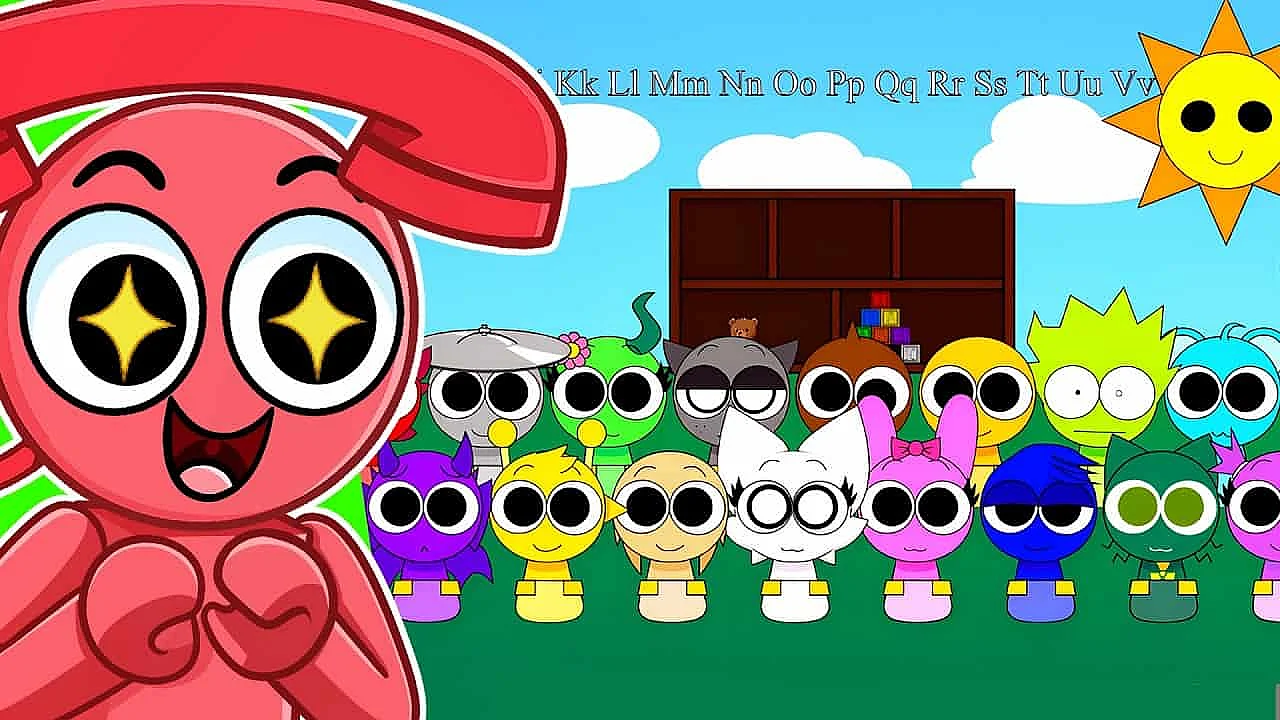
About WADE SPRUNKI | Deep Customization Sprunki Mod Creator
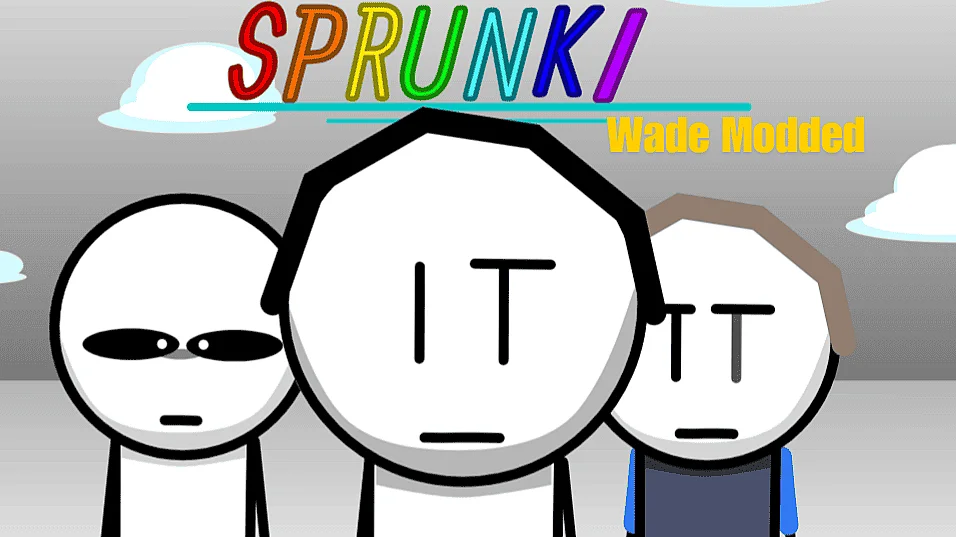
WADE SPRUNKI is the kind of Sprunki game you open for a quick test and then lose half an hour messing with because one more tweak turns into ten. Instead of handing you a fixed theme, it gives you a full-on mod creator where you can swap textures, sounds, effects, and even animation vibes until the whole thing feels like your own weird little remix. If you like browser games that let you tinker, not just click play, this one is easy to recommend.
Key Features
- Edit visuals and audio live without reloading
- Start from 15 templates or build from scratch
- Use hidden right-click menus for deeper tweaks
- Unlimited undo and redo saves bad experiments
- Randomize button creates surprisingly good chaos
How to play WADE SPRUNKI
You start by picking a template or a blank setup, then hit the wrench icon to open the editor. From there, drag textures, sounds, and effects onto characters and watch the changes happen instantly while the session keeps running.
That instant feedback is what makes the whole thing click. You are not making a bunch of edits and waiting through a reload screen to see if you broke something; you can playtest on the spot, hear the change, see the color shift, then keep adjusting until it lands.
A good first run is to grab one of the starter templates, swap a few character looks, then layer in visual effects one by one. The mod tool rewards small experiments, because stacked effects can get loud fast, and color-coding your elements makes it much easier to tell which part of your setup is doing what.
If you are the kind of player who likes happy accidents, hit the randomize button and let it throw a strange combo at you. When it goes too far, and it definitely will, the unlimited undo and redo buttons make it painless to backtrack instead of starting over.
What makes it stand out
The best thing about WADE SPRUNKI is how editor-first it feels. A lot of Sprunki mods are basically themed reskins, but this one treats the mod menu like the real game and lets the actual play session become your testing ground.
That matters more than it sounds. Being able to change things mid-play without reloading makes the whole process feel fast and playful, so you end up trying riskier ideas, like mixing clean character art with over-the-top particle effects or changing environmental textures just to see how far the mood can swing.
I also like the little power-user touches that most people will miss on their first run. Right-click asset menus hide extra property controls, the layer system makes certain effects hit way harder when stacked, and starting from one of the 15 templates keeps the blank-canvas panic away without locking you into somebody else’s taste.
It is also one of those rare mod creators that feels friendly to beginners without feeling watered down. You can drag and drop like a casual player, or you can spend ages fussing over tiny details and end up with something that looks nothing like the template you started from.
FAQ
Is it free to play?
It looks and feels like a browser-based Sprunki mod creator, so you can jump in fast without install nonsense. If you just want to test ideas for a few minutes, it is easy to open and start messing around.
Can I play on mobile?
Yes, but tablet makes the most sense. The touch controls are supported, and dragging assets around feels much better when you have a little more screen space than a phone gives you.
How is this different from other Sprunki mods?
Most mods hand you a finished style and ask if you like it. WADE SPRUNKI lets you change the style yourself in real time, from character animations to background textures, then rescue bad decisions with unlimited undo when your bold idea turns into a mess.
If you are into Sprunki, Incredibox-style remix games, or just fiddly creator tools with instant feedback, this is a fun one to keep bookmarked. WADE SPRUNKI is especially good for players who would rather build a strange custom version than settle for the default one, so give it a spin and see what kind of chaos you end up making.
Comments (0)
No comments yet.